Is CAD Software CPU or GPU – Everything You Need to Know
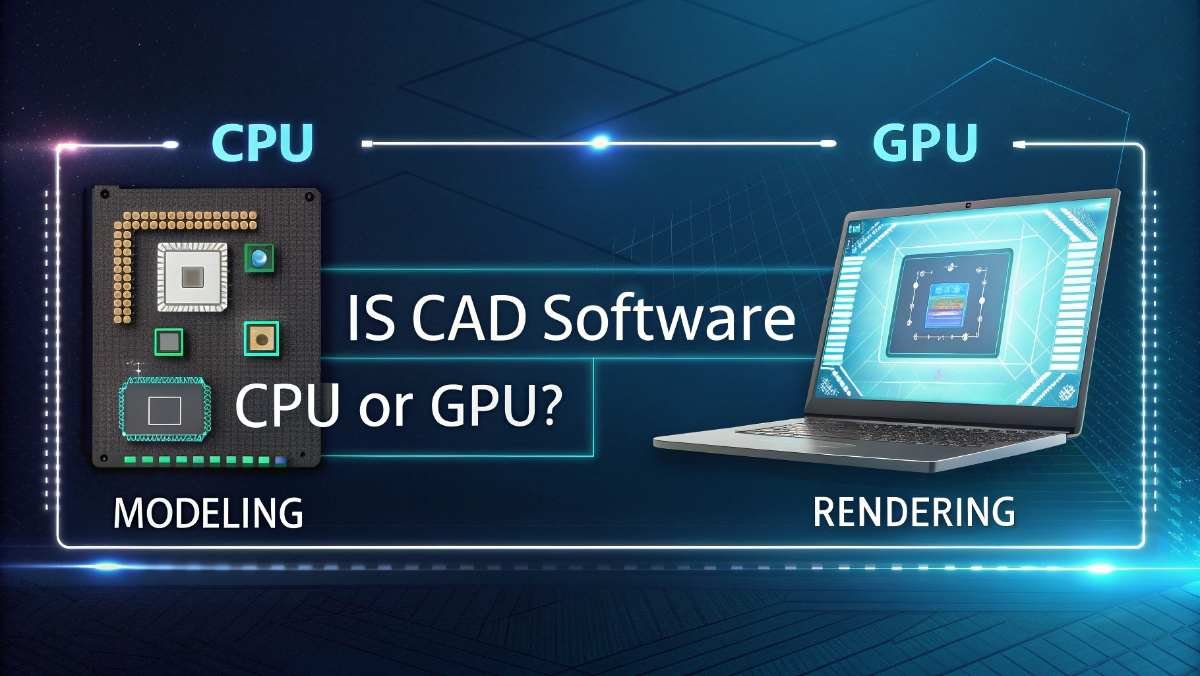
CAD software is mostly CPU-intensive, handling calculations and modeling, while the GPU supports graphics and display. Tools like AutoCAD rely mainly on CPU performance.
In this guide, you will clearly understand how CAD uses your hardware, why performance issues happen, and how to fix them easily.
Is CAD Software CPU or GPU Intensive?
CAD software depends more on the CPU than the GPU.
The CPU does most of the important work like:
- Processing designs
- Running commands
- Handling calculations
The GPU only helps with:
- Displaying graphics
- Smooth 3D viewing
- Rendering visuals
👉 In simple words: CPU does the main job, GPU helps with visuals.
Why CAD Software is CPU Intensive

There is a strong reason why CAD software depends heavily on the CPU.
1. Geometry Calculations
Every line, shape, and object you create needs calculation. The CPU handles all of this in real time.
2. Parametric Modeling
CAD software often uses parametric design. This means when you change one part, the whole design updates. The CPU manages these changes.
3. Command Processing
Every action you take (draw, edit, move) is processed by the CPU.
4. Single-Core Performance
Most CAD programs use only one core at a time for many tasks. That’s why a high clock speed CPU is more important than having many cores.
👉 This is the key reason: A faster CPU = smoother CAD experience
What Does the CPU Do in CAD Software?
The CPU is the brain of your CAD system. It handles almost everything important.
Here’s what the CPU does:
- Runs the software
- Processes all commands
- Calculates geometry and dimensions
- Updates models instantly
- Opens and saves files
If your CPU is slow, you may notice:
- Lag when drawing
- Delay in commands
- Slow file opening
👉 That’s why upgrading your CPU gives the biggest performance boost.
What Does the GPU Do in CAD Software?
The GPU is mainly responsible for visuals.
Here’s what it does:
- Displays 3D models
- Makes zoom and rotation smooth
- Adds shading and lighting
- Improves viewport performance
- Helps in rendering images
👉 But remember: The GPU does not handle calculations or modeling logic.
When Does GPU Matter More in CAD?
Even though CAD is CPU heavy, the GPU becomes important in some situations.
1. Large 3D Models
If your design is very complex, a good GPU helps keep things smooth.
2. Rendering Tasks
Rendering uses the GPU to create realistic images.
3. Visual Workflows
If your work focuses on design presentation, GPU matters more.
4. Simulation
Some advanced tools use GPU for faster simulation.
👉 So, GPU is important—but only in specific cases.
CPU vs GPU in CAD (Simple Comparison)
| Task | Uses CPU or GPU |
| 2D drafting | CPU |
| 3D modeling | CPU |
| File processing | CPU |
| Viewport display | GPU |
| Rendering | GPU |
👉 Final idea
CPU = main performance
GPU = visual support
Best Hardware for CAD Software
If you want smooth performance, you need the right hardware.
1. CPU (Most Important)
- Choose high clock speed (3.5 GHz or higher)
- Go for strong single-core performance
👉 Example: Intel i7 or Ryzen 7
2. RAM
- Minimum: 16GB
- Recommended: 32GB for heavy projects
More RAM helps with large files and multitasking.
3. GPU
- Mid-range GPU is enough for most users
- High-end GPU needed for rendering or heavy 3D work
👉 Simple rule: Spend more on CPU, not GPU
Common Performance Issues in CAD
Many users face problems while using CAD software.
Here are the most common ones:
1. Lag While Working
Happens when CPU is weak or overloaded.
2. Slow File Loading
Large files take time if CPU or RAM is low.
3. Low FPS in Viewport
Caused by weak GPU or very complex models.
How to Improve CAD Performance
This is one of the most important parts.
Follow these simple tips:
1. Upgrade Your CPU
This gives the biggest improvement.
2. Add More RAM
Helps with large designs.
3. Use SSD Storage
Files open and save faster.
4. Optimize Settings
- Lower visual quality
- Disable unnecessary effects
5. Simplify Models
Remove extra details when not needed.
6. Update Drivers
Keep GPU drivers updated for better performance.
👉 If your CAD is slow, start with the CPU upgrade.
CPU vs GPU for Popular CAD Software
Different CAD programs use hardware differently, but most follow the same pattern.
AutoCAD
- Mostly CPU intensive
- GPU used for display
SolidWorks
- CPU heavy
- GPU helps in viewport
Fusion 360
- Balanced use
- Still CPU is more important
Revit
- Strong CPU dependency
- GPU helps with visuals
👉 Conclusion: Almost all CAD software depends more on CPU.
Does CAD Use Multiple Cores or Single Core?
This is a common question. Most CAD tasks use single-core performance.
That means:
- One fast core is better than many slow cores
However:
- Rendering and simulation can use multiple cores
👉 So, for general CAD work: High speed matters more than core count
Is a High-End GPU Necessary for CAD?
The answer is simple: Not always
You only need a high-end GPU if:
- You do heavy 3D modeling
- You work on rendering
- You handle very large projects
For normal CAD work: 👉 A mid-range GPU is enough
Is SketchUp CPU or GPU intensive
SketchUp is mostly CPU intensive. It uses the processor for modeling and commands. The GPU helps with smooth viewing and graphics.
A fast CPU improves performance more, while a decent GPU is useful for better visual experience in large projects.
Is CAD software CPU or GPU for Windows 10
CAD software on Windows 10 mainly uses the CPU for calculations, modeling, and commands. The GPU is used for graphics and display. For better performance, focus on a strong CPU, enough RAM, and a basic or mid-range GPU.
Is AutoCAD CPU or GPU intensive
AutoCAD is mostly CPU intensive. It uses the processor for drawing, editing, and calculations. The GPU helps with display and smooth navigation. A fast CPU gives better performance, while the GPU is important only for handling complex visuals.
Is SolidWorks CPU or GPU intensive
SolidWorks is mainly CPU intensive. It uses the CPU for modeling, features, and calculations. The GPU helps with smooth graphics and viewing.
For best performance, choose a high-speed CPU and a certified GPU for stable and better visual experience.
Is Revit CPU or GPU intensive
Revit is mostly CPU intensive. It depends on the processor for modeling and calculations. The GPU helps with 3D views and rendering.
A strong CPU improves speed, while a good GPU is helpful for smoother visual performance in complex projects.
AutoCAD GPU requirements
AutoCAD does not need a high-end GPU. A basic or mid-range graphics card is enough for most users. The GPU helps with smooth display and navigation, but overall performance depends more on a fast CPU and sufficient RAM.
Does CAD require a good GPU
CAD does not always require a powerful GPU. For basic work, a mid-range GPU is enough. However, for large 3D models and rendering, a better GPU improves performance. Still, CPU remains the most important component in CAD work.
FAQs
Is AutoCAD GPU intensive?
AutoCAD is not very GPU intensive. It mainly uses CPU for drawing and calculations, while GPU helps with smooth display.
Do CAD programs use GPU or CPU?
CAD programs mostly use CPU for modeling and calculations. GPU is used for graphics, smooth viewing, and rendering in complex projects.
Does CAD software require GPU?
CAD software can run without a powerful GPU. A basic graphics card is enough, but better GPU improves visuals and smooth performance.
Is 32GB of RAM enough for CAD?
Yes, 32GB RAM is more than enough for most CAD work. It helps handle large files and improves smooth performance.
Does CAD use a lot of CPU?
Yes, CAD uses a lot of CPU power. It handles calculations, commands, and modeling, making CPU the most important component.
Is AutoCAD using GPU?
AutoCAD uses GPU for display and smooth navigation. However, most important tasks like drawing and calculations are handled by the CPU.
Can I run AutoCAD without a GPU?
Yes, you can run AutoCAD without a dedicated GPU using integrated graphics, but performance may be lower for 3D work.
Does CAD benefit from GPU?
Yes, CAD benefits from GPU in 3D viewing and rendering. It improves smoothness, but CPU still handles most important tasks.
Which is more important for using CAD, the CPU or GPU?
CPU is more important for CAD because it handles modeling and calculations. GPU mainly helps with graphics and smooth display performance.
Conclusion
Now you fully understand how CAD software uses your system.
👉 Always remember:
- CPU is the main power behind CAD
- GPU is only for visuals
- RAM and SSD also matter
If you choose the right hardware, your CAD experience will be smooth, fast, and frustration-free.