Is BeamNG CPU Or GPU Intensive – Full Breakdown In 2026
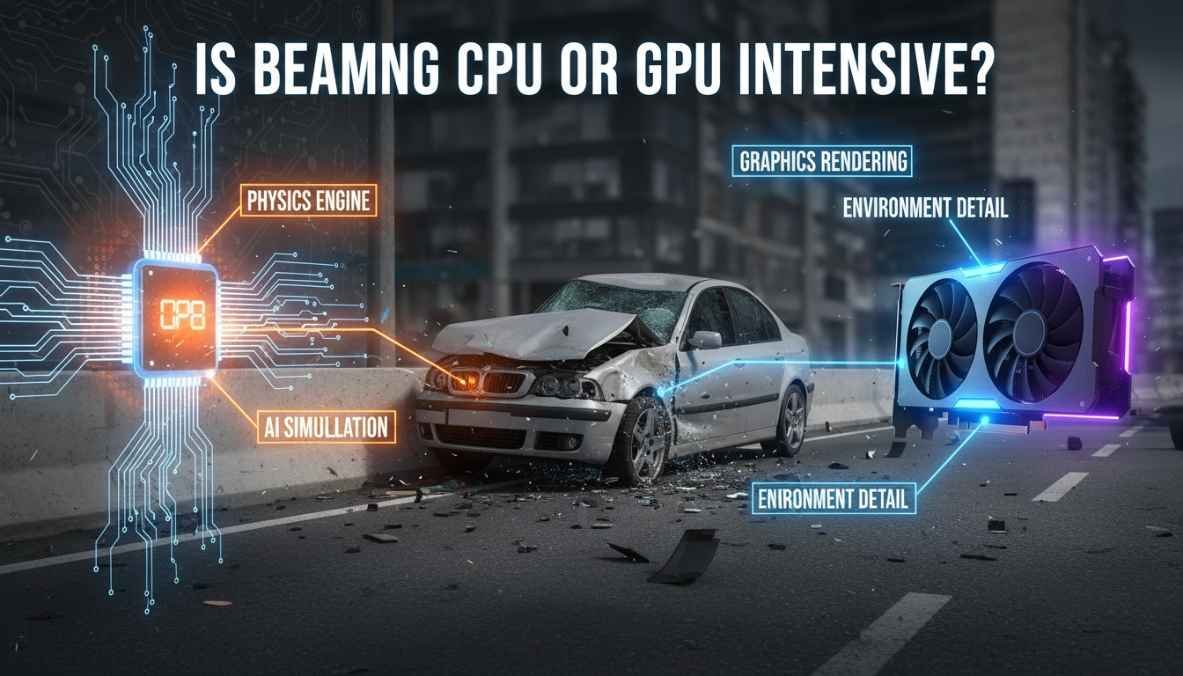
BeamNG is CPU intensive because it handles physics and simulation, while GPU mainly improves graphics and visual performance in the game.
In this guide, you will clearly understand how BeamNG uses your hardware and how you can improve performance easily.
Is BeamNG CPU or GPU Intensive?
BeamNG.drive is more CPU intensive than GPU intensive. The main reason is its advanced physics engine. Unlike many other games, BeamNG simulates real-life vehicle behavior in real time. Every crash, movement, and interaction is calculated by the CPU.
The GPU still plays a role, but it mainly improves visuals. So, if your game is lagging, the CPU is usually the main problem.
Why BeamNG is CPU Intensive
Advanced Physics Engine
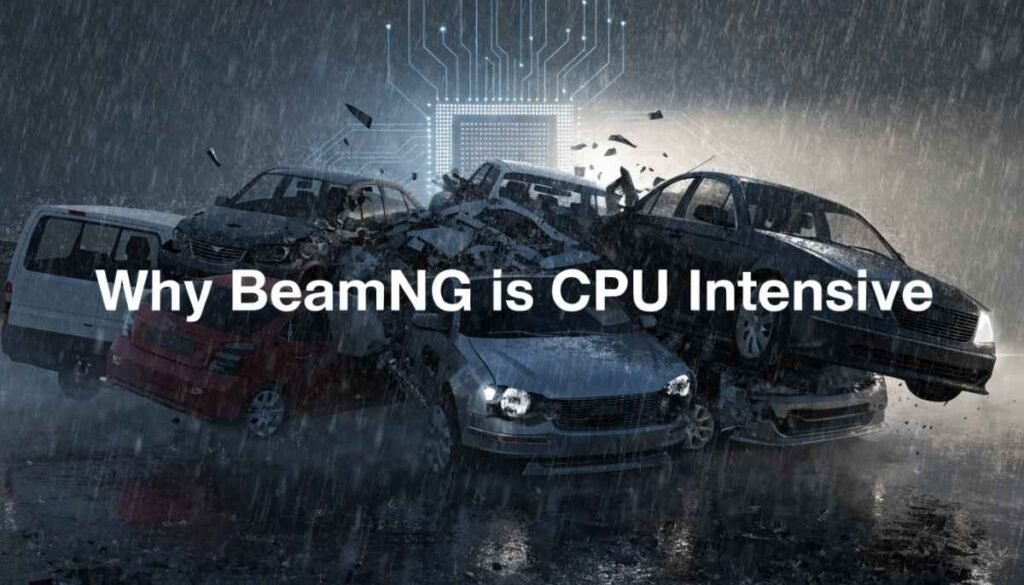
BeamNG is known for its soft-body physics system. This means every part of a vehicle behaves like it would in real life.
For example:
- Car bending during crashes
- Suspension movement
- Tire grip and friction
All of this requires heavy CPU processing. The game is constantly calculating how each part reacts in real time.
Multiple Vehicle Simulation
One of the biggest reasons for high CPU usage is multiple vehicles.
- 1 car → smooth performance
- 5 cars → moderate load
- 10+ cars → heavy CPU usage
Each vehicle runs its own physics simulation. So, the more cars you add, the more pressure goes on your CPU.
Real-Time Calculations
BeamNG performs thousands of calculations every second, such as:
- Collisions
- Damage system
- Vehicle weight distribution
These tasks are handled by the CPU, not the GPU. That’s why the processor becomes the main bottleneck.
What Does GPU Do in BeamNG?
Even though BeamNG is CPU heavy, the GPU still matters for visuals.
Graphics and Visuals
The GPU handles:
- Textures
- Models
- Visual details
If you increase graphics settings, the GPU will work harder.
Resolution and Quality
Higher resolutions like:
- 1080p
- 1440p
- 4K
require more GPU power. A weak GPU can cause low visual quality or frame drops at higher resolutions.
Shadows and Lighting
Features like:
- Shadows
- Reflections
- Lighting effects
are processed by the GPU. Lowering these settings can improve performance if your GPU is weak.
CPU vs GPU in BeamNG (Comparison Table)
| Task | CPU Usage | GPU Usage |
| Physics Simulation | High | Low |
| Vehicle Damage | High | Low |
| Graphics Rendering | Low | High |
| Resolution | Low | High |
| FPS Impact | High | Medium |
This table clearly shows that the CPU does most of the heavy work in BeamNG.
Minimum & Recommended System Requirements
To run BeamNG smoothly, your hardware should be balanced.
Minimum Requirements
- CPU: Basic quad-core processor
- GPU: Entry-level graphics card
- RAM: 8GB
Recommended Requirements
- CPU: Ryzen 5 / Intel i5 or higher
- GPU: GTX 1660 / RTX 2060 or better
- RAM: 16GB or more
Best Setup for Smooth Gameplay
For the best experience:
- Strong CPU (high clock speed)
- At least 16GB RAM
- Mid to high-end GPU
A powerful CPU is more important than a powerful GPU in this game.
How to Improve FPS in BeamNG
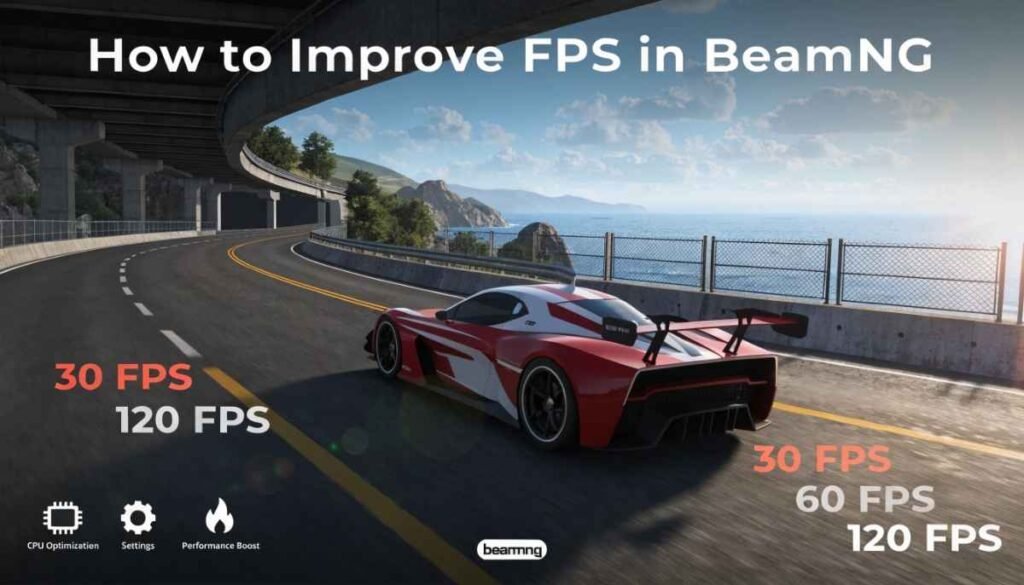
If you are facing lag or low FPS, don’t worry. You can improve performance with simple steps.
Reduce Number of Vehicles
More cars = more CPU load
Try using fewer vehicles to get better FPS.
Lower Graphics Settings
Reduce:
- Shadows
- Reflections
- Texture quality
This helps both CPU and GPU.
Close Background Apps
Apps running in the background use CPU resources. Close them before playing.
Upgrade Your CPU
If your CPU is weak, upgrading it will give the biggest performance boost.
Use Performance Mode
Set your PC to high-performance mode to get better results in gaming.
Best Settings for Performance
Here are some optimized settings you can use:
- Shadows: Low or Medium
- Reflections: Low
- Texture Quality: Medium
- Lighting: Medium
- Anti-Aliasing: Off or Low
These settings help balance performance and visuals.
Common Performance Issues in BeamNG
Low FPS
This usually happens due to:
- Weak CPU
- Too many vehicles
CPU Bottleneck
If your CPU is at 100% usage, your GPU will not be fully used. This causes performance issues.
Stuttering
Stuttering can happen due to:
- Low RAM
- Background apps
- High CPU load
Can BeamNG be Made GPU Bound?
BeamNG is mostly CPU bound, but you can make it more GPU heavy by increasing graphics settings. Play at higher resolutions like 1440p or 4K, enable high textures, shadows, and reflections. This shifts more load to the GPU instead of the CPU. However, the game will still rely on the CPU for physics, so it can never become fully GPU bound.
What If I Overloading the CPU to Get 0 FPS in BeamNG?
If you overload your CPU in BeamNG, the game can drop to very low FPS or even freeze. This happens when the processor cannot handle too many physics calculations, like adding many vehicles or heavy mods. Your system may stutter, lag, or crash. To avoid this, reduce vehicles, lower settings, and close background apps so your CPU can run the game more smoothly without reaching its limit.
Is BeamNG CPU intensive
Yes, BeamNG is very CPU intensive because it uses your processor to handle real-time physics and vehicle simulation. Every crash and movement is calculated by the CPU. If your processor is weak, you may face lag, especially when multiple cars are active in the game.
Best CPU for BeamNG
The best CPU for BeamNG is one with strong single-core performance and multiple cores. Processors like Intel i5, i7, or Ryzen 5 and Ryzen 7 work great. A faster CPU helps run physics smoothly, reduces lag, and improves overall gameplay performance, especially with multiple vehicles.
Best Performance Settings for BeamNG
For best performance in BeamNG, lower shadows, reflections, and lighting settings. Keep texture quality on medium and reduce the number of vehicles. Turning off anti-aliasing can also boost FPS. These settings help reduce CPU load and give smoother gameplay without removing too much visual quality.
FAQs
Does BeamNG need a good CPU?
Yes, BeamNG needs a good CPU because it handles physics and simulation. A strong processor helps reduce lag and gives smoother gameplay with better performance overall.
Why is a game using 90% of my CPU?
A game may use 90% CPU because it runs heavy tasks like physics, AI, or background processes. This is normal in CPU-intensive games like BeamNG.
Is 98% GPU utilization okay?
Yes, 98% GPU usage is normal during gaming. It means your graphics card is working fully to give better visuals and smooth performance in demanding games.
Does BeamNG need 32GB RAM?
BeamNG does not always need 32GB RAM, but it helps with smooth gameplay, especially when using many cars, mods, or large maps in the game.
Is 90% GPU usage bad?
No, 90% GPU usage is not bad. It means your graphics card is being used properly to deliver good performance and better visuals while gaming.
Can I run BeamNG on 16GB RAM?
Yes, you can run BeamNG on 16GB RAM smoothly. It is enough for normal gameplay, but more RAM helps when using mods or multiple vehicles.
What’s the best GPU for FPS?
The best GPU for FPS is one with strong performance like RTX 3060 or higher. It helps run games smoothly and improves frame rates significantly.
Does BeamNG.drive use more CPU or GPU?
BeamNG.drive uses more CPU than GPU because it focuses on physics simulation and real-time calculations, while GPU mainly handles graphics and visual quality.
What GPU is recommended for high FPS gaming?
For high FPS gaming, GPUs like RTX 3060, RTX 3070, or similar are recommended. They provide smooth performance, better graphics, and stable frame rates.
Is gaming more CPU or GPU heavy?
Most games are more GPU heavy because they focus on graphics. However, some games like BeamNG are CPU heavy due to physics and simulation tasks.
Conclusion
BeamNG.drive is clearly a CPU-intensive game because it focuses heavily on real-time physics and vehicle simulation. The CPU handles most of the important tasks like collisions, damage, and movement, while the GPU mainly improves graphics and visual quality.
If you want smooth gameplay, upgrading your CPU and reducing the number of vehicles can make a big difference. A balanced setup with a decent GPU and enough RAM will also help, but the CPU should always be your priority.
In simple words, if your game is lagging, your CPU is usually the main reason—not your GPU. Optimize your settings, manage resources, and you will get much better performance in BeamNG.drive.