Is Roblox CPU or GPU Intensive? – Fix Lag & Boost FPS
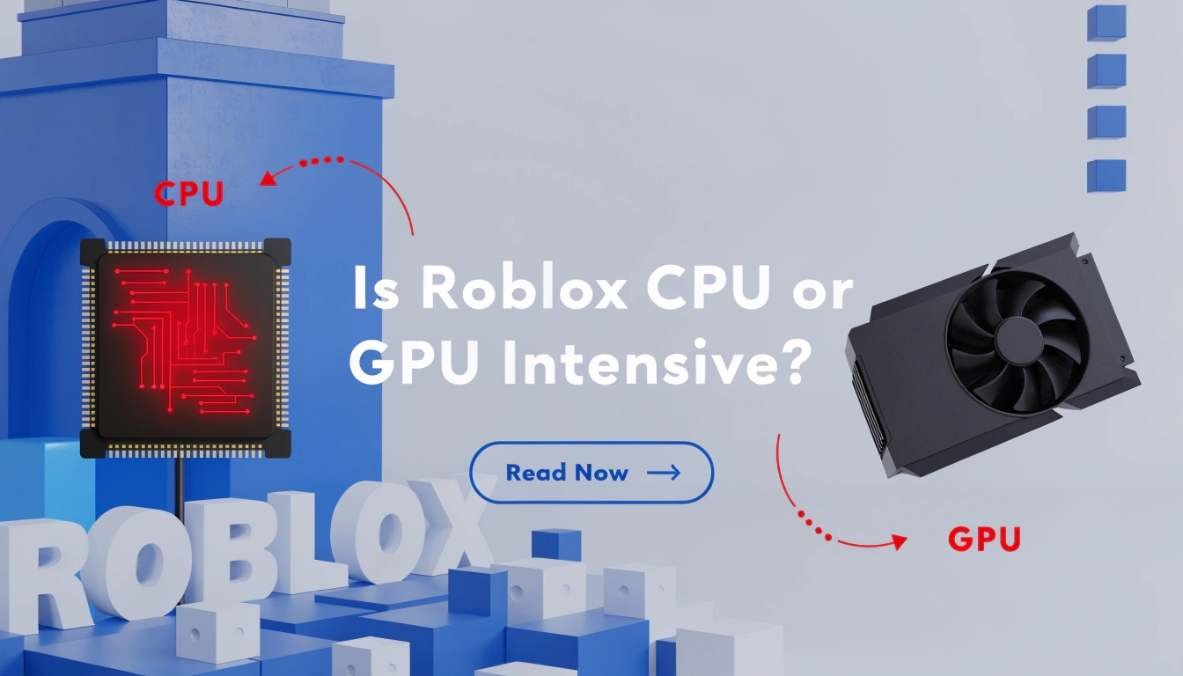
Roblox is mostly CPU intensive, using the processor for scripts and game logic, while the GPU mainly handles graphics and visuals, so CPU matters more for performance.
In this guide, you will learn how Roblox uses your hardware and how to get better performance.
Is Roblox CPU or GPU Intensive?
Roblox is more CPU intensive than GPU intensive. This means your processor does most of the heavy work. The CPU runs scripts, handles physics, and manages how the game works.
The GPU is still important, but it mainly helps with visuals like textures and lighting. So if your game is lagging, the problem is often your CPU, not your GPU.
Why Roblox is CPU Intensive

Game Engine Design
Roblox uses its own game engine, which focuses more on CPU tasks. Many parts of the engine run on one or a few cores. Because of this, strong single-core performance matters more than having many cores.
Script Processing (Lua)
Roblox games use Lua scripting. Every action in the game, like moving, jumping, or interacting, runs through scripts. The CPU processes all these scripts in real time, which increases CPU usage.
Physics and Player Interactions
Physics is a big part of Roblox. When objects move, collide, or react, the CPU calculates everything. Multiplayer games also add more load because the CPU tracks other players and their actions.
What the CPU Does in Roblox
The CPU is the brain of Roblox. It controls many important tasks:
- Runs game scripts
- Handles physics calculations
- Controls NPC behavior
- Manages player actions
- Syncs multiplayer data
Because of all these tasks, the CPU is always busy while playing Roblox. That’s why a slow processor can cause lag or stuttering.
What the GPU Does in Roblox
The GPU is responsible for visuals. It makes the game look good and smooth.
Main GPU tasks include:
- Rendering graphics
- Showing textures
- Handling lighting and shadows
- Supporting higher resolutions
However, Roblox graphics are not very heavy compared to modern games. That’s why even a basic GPU can run Roblox without problems.
CPU vs GPU Usage in Roblox (Comparison Table)
| Component | Usage Level | Importance |
| CPU | High | Very Important |
| GPU | Medium/Low | Less Important |
This table shows a clear picture: CPU matters more than GPU in Roblox.
When Roblox Becomes GPU Intensive
Even though Roblox is mostly CPU-based, there are some cases where GPU usage increases:
- When you set graphics to maximum
- When you play detailed or realistic games
- When you use high resolution like 1080p or higher
- When there are many visual effects
In these situations, the GPU works harder. But still, the CPU remains the main factor.
Why Roblox Uses High CPU (Common Problems)
Sometimes you may notice Roblox using a lot of CPU, even up to 100%. Here are common reasons:
Weak Processor
If your CPU is old or slow, it struggles to keep up with the game.
Background Applications
Apps running in the background also use CPU. This reduces performance in Roblox.
Poor Game Optimization
Some Roblox games are not well optimized. They use too many scripts or heavy physics.
Overheating
If your CPU gets too hot, it slows down and causes lag.
How to Reduce CPU Usage in Roblox

If you want smoother gameplay, try these simple tips:
Lower Graphics Settings
Reduce graphics in Roblox settings. This lowers the load on both CPU and GPU.
Close Background Apps
Close apps like browsers or software running in the background. This frees up CPU power.
Update Drivers
Keep your system updated. New updates can improve performance.
Improve Cooling
Make sure your PC stays cool. Clean dust and use proper ventilation.
Upgrade Your CPU
If your processor is too weak, upgrading it will give the biggest improvement.
Best System Requirements for Roblox
To run Roblox smoothly, you don’t need a high-end PC, but you still need a decent setup.
Recommended Setup:
- CPU: Modern processor with strong single-core performance
- RAM: At least 8GB
- GPU: Basic or integrated graphics is enough
- Storage: SSD for faster loading
This setup will give you smooth gameplay in most Roblox games.
Does GPU Affect FPS in Roblox?
Yes, but only a little. The GPU helps improve visuals and smoothness, especially at higher settings. However, FPS mostly depends on your CPU.
If you upgrade your GPU, you may see small improvements. But upgrading your CPU will give a much bigger boost in performance.
Is Roblox Hard to Run on PC?
No, Roblox is not a heavy game. It is designed to run on many types of devices, including low-end PCs.
Even basic systems can run Roblox if the CPU is decent. That’s why Roblox is popular among players with different hardware.
Why is Roblox CPU intensive
Roblox is CPU intensive because it runs scripts, physics, and game logic on the processor. Every action like moving, jumping, and interactions depends on the CPU, so it works harder than the GPU during gameplay.
Is Roblox a GPU intensive game
No, Roblox is not a GPU intensive game. It uses the GPU only for graphics like textures and lighting. Since the visuals are simple, even a basic GPU can run Roblox without any major issues.
Best CPU for Roblox
The best CPU for Roblox is one with strong single-core performance. Processors like modern Intel Core i5 or AMD Ryzen 5 work great, giving smooth gameplay, better FPS, and handling scripts and physics easily.
How to make Roblox use GPU instead of CPU AMD
To make Roblox use GPU on AMD, open graphics settings, select Roblox, and set it to high performance.
Update drivers and disable power saving mode. This helps the GPU handle graphics better, reducing some CPU load.
How to make Roblox use GPU instead of CPU NVIDIA
For NVIDIA, open the control panel, go to manage 3D settings, add Roblox, and choose high-performance GPU.
Also update drivers and set power mode to maximum performance for better results and smoother gameplay.
Roblox uses insanely much GPU (95%)
If Roblox is using 95% GPU, it usually means high graphics settings or high resolution. Some detailed games also push the GPU more. Lower graphics, reduce resolution, and update drivers to bring usage back to normal levels.
Roblox Studio using up to 90% of the processor
Roblox Studio can use up to 90% CPU because it handles editing, scripts, and testing at the same time. Complex projects increase load. Close background apps and simplify your project to reduce processor usage and improve performance.
CPU is 100% while GPU rests at 2% while playing Roblox
This happens because Roblox depends more on CPU for scripts and game logic. GPU stays low since graphics are simple. To fix this, lower settings, close background apps, and use a stronger CPU for smoother gameplay.
FAQs
Is Roblox more CPU or GPU intensive?
Roblox is more CPU intensive because it relies on the processor for scripts, physics, and game logic instead of heavy graphics processing.
Should I upgrade RAM or CPU for Roblox?
Upgrade your CPU first, because Roblox depends more on processor power. Add more RAM only if your system has less than 8GB.
Why do 99% of Roblox devs fail?
Most Roblox developers fail because they lack consistency, good ideas, and marketing. Success needs patience, learning, and improving skills over time.
Why is Roblox taking up 90% of my GPU?
High GPU usage happens due to high graphics settings, resolution, or detailed games. Lower settings and update drivers to fix this issue.
Is a GPU needed for Roblox?
Yes, but only a basic GPU is needed. Roblox has simple graphics, so even integrated graphics can run it smoothly.
Does Roblox run on your CPU?
Yes, Roblox mainly runs on your CPU. It handles scripts, physics, and gameplay logic, which makes the processor very important.
Who is Roblox’s 1 billionth user?
Roblox has not officially revealed who the 1 billionth user is, so there is no confirmed public information about it.
What game took 7 years to make?
Many games take years, but one example is a complex Roblox game or big titles that need long development for quality and updates.
Who is 0_0 in Roblox?
0_0 is a mysterious Roblox user often linked to myths or stories. There is no official proof about who they really are.
Can I cuss on 17+ Roblox?
Even in 17+ experiences, Roblox still has rules. Strong language may be limited, so it’s safer to avoid excessive cussing.
Conclusion
Roblox is mainly a CPU intensive game, not GPU intensive. The processor handles most of the work like scripts, physics, and gameplay logic. The GPU only helps with graphics and visuals. If you want better performance, focus on a strong CPU, keep your system optimized, and lower unnecessary load. This will help you enjoy smooth and lag-free gameplay.